Notion knowledge base AI assistant
Workflow JSON
{"meta": {"instanceId": "205b3bc06c96f2dc835b4f00e1cbf9a937a74eeb3b47c99d0c30b0586dbf85aa"}, "nodes": [{"id": "d1d4291e-fa37-43d0-81e0-f0a594371426", "name": "OpenAI Chat Model", "type": "@n8n/n8n-nodes-langchain.lmChatOpenAi", "position": [680, 620], "parameters": {"model": "gpt-4o", "options": {"timeout": 25000, "temperature": 0.7}}, "credentials": {"openAiApi": {"id": "", "name": "[Your openAiApi]"}}, "typeVersion": 1}, {"id": "68e6805b-9c19-4c9e-a300-8983f2b7c28a", "name": "Search notion database", "type": "@n8n/n8n-nodes-langchain.toolHttpRequest", "position": [980, 620], "parameters": {"url": "=https://api.notion.com/v1/databases/{{ $json.notionID }}/query", "method": "POST", "jsonBody": "{\n \"filter\": {\n \"or\": [\n {\n \"property\": \"question\",\n \"rich_text\": {\n \"contains\": \"{keyword}\"\n }\n },\n {\n \"property\": \"tags\",\n \"multi_select\": {\n \"contains\": \"{tag}\"\n }\n }\n ]\n },\n \"sorts\": [\n {\n \"property\": \"updated_at\",\n \"direction\": \"ascending\"\n }\n ]\n}", "sendBody": true, "specifyBody": "json", "authentication": "predefinedCredentialType", "toolDescription": "=Use this tool to search the \"\" Notion app database.\n\nIt is structured with question and answer format. \nYou can filter query result by:\n- By keyword\n- filter by tag.\n\nKeyword and Tag have an OR relationship not AND.\n\n", "nodeCredentialType": "notionApi", "placeholderDefinitions": {"values": [{"name": "keyword", "description": "Searches question of the record. Use one keyword at a time."}, {"name": "tag", "description": "=Options: {{ $json.tagsOptions }}"}]}}, "credentials": {"notionApi": {"id": "", "name": "[Your notionApi]"}}, "typeVersion": 1.1}, {"id": "c3164d38-a9fb-4ee3-b6bd-fccb4aa5a1a4", "name": "Get database details", "type": "n8n-nodes-base.notion", "position": [420, 380], "parameters": {"simple": false, "resource": "database", "databaseId": {"__rl": true, "mode": "list", "value": "7ea9697d-4875-441e-b262-1105337d232e", "cachedResultUrl": "https://www.notion.so/7ea9697d4875441eb2621105337d232e", "cachedResultName": "StarLens Company Knowledge Base"}}, "credentials": {"notionApi": {"id": "", "name": "[Your notionApi]"}}, "typeVersion": 2.2}, {"id": "98300243-efcc-4427-88da-c1af8a91ddae", "name": "Window Buffer Memory", "type": "@n8n/n8n-nodes-langchain.memoryBufferWindow", "position": [820, 620], "parameters": {"contextWindowLength": 4}, "typeVersion": 1.2}, {"id": "a8473f48-1343-4eb2-8e48-ec89377a2a00", "name": "Search inside database record", "type": "@n8n/n8n-nodes-langchain.toolHttpRequest", "notes": " ", "position": [1140, 620], "parameters": {"url": "https://api.notion.com/v1/blocks/{page_id}/children", "fields": "id, type, paragraph.text, heading_1.text, heading_2.text, heading_3.text, bulleted_list_item.text, numbered_list_item.text, to_do.text, children", "dataField": "results", "authentication": "predefinedCredentialType", "fieldsToInclude": "selected", "toolDescription": "=Use this tool to retrieve Notion page content using the page ID. \n\nIt is structured with question and answer format. \nYou can filter query result by:\n- By keyword\n- filter by tag.\n\nKeyword and Tag have an OR relationship not AND.\n\n", "optimizeResponse": true, "nodeCredentialType": "notionApi", "placeholderDefinitions": {"values": [{"name": "page_id", "description": "Notion page id from 'Search notion database' tool results"}]}}, "credentials": {"notionApi": {"id": "", "name": "[Your notionApi]"}}, "notesInFlow": true, "typeVersion": 1.1}, {"id": "115c328e-84b0-43d2-8df7-8b3f74cbb2fb", "name": "Format schema", "type": "n8n-nodes-base.set", "position": [620, 380], "parameters": {"options": {}, "assignments": {"assignments": [{"id": "a8e58791-ba51-46a2-8645-386dd1a0ff6e", "name": "sessionId", "type": "string", "value": "={{ $('When chat message received').item.json.sessionId }}"}, {"id": "434209de-39d5-43d8-a964-0fcb7396306c", "name": "action", "type": "string", "value": "={{ $('When chat message received').item.json.action }}"}, {"id": "cad4c972-51a9-4e16-a627-b00eea77eb30", "name": "chatInput", "type": "string", "value": "={{ $('When chat message received').item.json.chatInput }}"}, {"id": "8e88876c-2714-494d-bd5e-5e80c99f83e3", "name": "notionID", "type": "string", "value": "={{ $('Get database details').item.json.id }}"}, {"id": "a88a15f6-317c-4d2e-9d64-26f5ccaf7a97", "name": "databaseName", "type": "string", "value": "={{ $json.title[0].text.content }}"}, {"id": "7c3bf758-8ed3-469a-8695-6777f4af4fb9", "name": "tagsOptions", "type": "string", "value": "={{ $json.properties.tags.multi_select.options.map(item => item.name).join(',') }}"}]}}, "typeVersion": 3.4}, {"id": "3b82f4fe-6c0c-4e6e-a387-27de31fec758", "name": "Sticky Note", "type": "n8n-nodes-base.stickyNote", "position": [-340, 240], "parameters": {"color": 6, "width": 462.3561535890252, "height": 95.12709218477178, "content": "## Notion knowledge base assistant [v1]\nBuilt as part of the [30 Day AI Sprint](https://30dayaisprint.notion.site/) by [@maxtkacz](https://x.com/maxtkacz)\n"}, "typeVersion": 1}, {"id": "31debc55-6608-4e64-be18-1bc0fc0fbf16", "name": "Sticky Note1", "type": "n8n-nodes-base.stickyNote", "position": [-340, 1060], "parameters": {"color": 7, "width": 462.3561535890252, "height": 172.4760209818479, "content": "### FAQ\n- In `Get database details` if you see a `The resource you are requesting could not be found` error, you need to add your connection to the database (in the Notion app).\n- The `Get database details` pulls most recent `Tags` and informs AI Agent of them. However this step adds ~250-800ms per run. Watch detailed video to see how to remove this step. "}, "typeVersion": 1}, {"id": "9f48e548-f032-477c-960d-9c99d61443df", "name": "AI Agent", "type": "@n8n/n8n-nodes-langchain.agent", "position": [820, 380], "parameters": {"text": "={{ $json.chatInput }}", "options": {"systemMessage": "=# Role:\nYou are a helpful agent. Query the \"{{ $json.databaseName }}\" Notion database to find relevant records or summarize insights based on multiple records.\n\n# Behavior:\n\nBe clear, very concise, efficient, and accurate in responses. Do not hallucinate.\nIf the request is ambiguous, ask for clarification. Do not embellish, only use facts from the Notion records. Do not offer general advice.\n\n# Error Handling:\n\nIf no matching records are found, try alternative search criteria. Example 1: Laptop, then Computer, then Equipment. Example 2: meetings, then meeting.\nClearly explain any issues with queries (e.g., missing fields or unsupported filters).\n\n# Output:\n\nReturn concise, user-friendly results or summaries.\nFor large sets, show top results by default and offer more if needed. Output URLs in markdown format. \n\nWhen a record has the answer to user question, always output the URL to that page. Do not output links twice."}, "promptType": "define"}, "typeVersion": 1.6}, {"id": "f1274a12-128c-4549-a19b-6bfc3beccd89", "name": "When chat message received", "type": "@n8n/n8n-nodes-langchain.chatTrigger", "position": [220, 380], "webhookId": "b76d02c0-b406-4d21-b6bf-8ad2c623def3", "parameters": {"public": true, "options": {"title": "Notion Knowledge Base", "subtitle": ""}, "initialMessages": "=Happy {{ $today.weekdayLong }}!\nKnowledge source assistant at your service. How can I help you?"}, "typeVersion": 1.1}, {"id": "2e25e4bc-7970-4d00-a757-ba1e418873aa", "name": "Sticky Note2", "type": "n8n-nodes-base.stickyNote", "position": [-340, 360], "parameters": {"color": 7, "width": 463.90418399676537, "height": 318.2958135288425, "content": "### Template set up quickstart video \ud83d\udc47\n[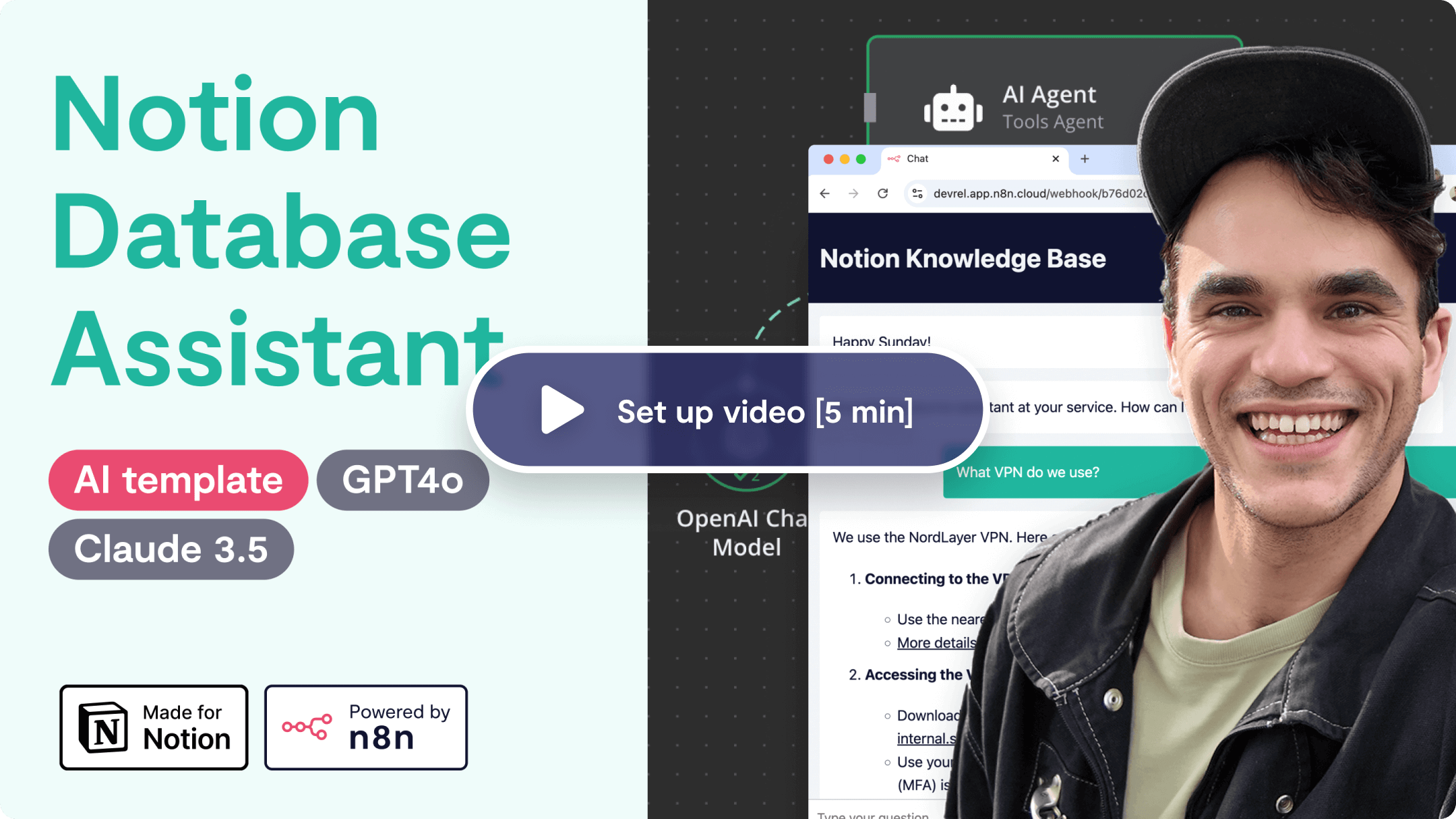](https://www.youtube.com/watch?v=ynLZwS2Nhnc)\n"}, "typeVersion": 1}, {"id": "ba6fe953-fd5c-497f-ac2a-7afa04b7e6cc", "name": "Sticky Note3", "type": "n8n-nodes-base.stickyNote", "position": [-340, 700], "parameters": {"color": 7, "width": 461.5634274842711, "height": 332.14098134070576, "content": "### Written set up steps\n1. Add a Notion credential to your n8n workspace (follow [this Notion guide](https://developers.notion.com/docs/create-a-notion-integration))\n2. [Duplicate Company knowledge base Notion template](https://www.notion.so/templates/knowledge-base-ai-assistant-with-n8n) to your Notion workspace, then make sure to share the new knowledge base with connection you created in Step 1. \n3. Add Notion cred to `Get database details`:`Credential to connect with` parameter, then to `Search notion database`:`Notion API` parameter (same for `Search inside database record`)\n4. Add OpenAI credential to `Open AI Chat Model` node (tested and working with Anthropic Claude 3.5 too)\n5. In `Get database details`, select the db you created from Step 2 in `Database` dropdown.\n6. Click `Chat` button to test the workflow. Then Activate it and copy the `Chat URL` from `When chat message received`."}, "typeVersion": 1}], "pinData": {}, "connections": {"Format schema": {"main": [[{"node": "AI Agent", "type": "main", "index": 0}]]}, "OpenAI Chat Model": {"ai_languageModel": [[{"node": "AI Agent", "type": "ai_languageModel", "index": 0}]]}, "Get database details": {"main": [[{"node": "Format schema", "type": "main", "index": 0}]]}, "Window Buffer Memory": {"ai_memory": [[{"node": "AI Agent", "type": "ai_memory", "index": 0}]]}, "Search notion database": {"ai_tool": [[{"node": "AI Agent", "type": "ai_tool", "index": 0}]]}, "When chat message received": {"main": [[{"node": "Get database details", "type": "main", "index": 0}]]}, "Search inside database record": {"ai_tool": [[{"node": "AI Agent", "type": "ai_tool", "index": 0}]]}}}How to Import This Workflow
- 1Copy the workflow JSON above using the Copy Workflow JSON button.
- 2Open your n8n instance and go to Workflows.
- 3Click Import from JSON and paste the copied workflow.
Don't have an n8n instance? Start your free trial at n8nautomation.cloud
Related Templates
Auto-create TikTok videos with VEED.io AI avatars, ElevenLabs & GPT-4
Automate the creation and distribution of trending TikTok videos using AI avatars. This workflow connects Telegram, Perplexity, OpenAI, ElevenLabs, VEED.io, and BLOTATO to generate scripts, synthesize voice, create video, and publish across multiple social platforms. Content creators and marketers can rapidly produce engaging short-form video content without manual editing.
CV Screening with OpenAI
Streamline your hiring process by automating the initial screening of CVs with this powerful workflow. It connects directly to OpenAI to analyze resumes, extracting key information and evaluating candidates based on your criteria. This workflow is ideal for recruiters, HR professionals, and hiring managers who need to quickly assess a large volume of applications, saving significant time and effort in the early stages of recruitment. By automating the parsing of PDF documents and leveraging OpenAI's analytical capabilities, you can efficiently identify top candidates, reduce manual review time, and focus on more strategic aspects of the hiring process. This solution drastically cuts down on the hours spent manually reading CVs, allowing for faster shortlisting and improving overall recruitment efficiency.
Create daily historical AI videos with Gemini, fal.ai, Telegram and YouTube
Automate the creation and publishing of daily historical AI videos. This workflow connects Gemini for script generation, fal.ai for video creation, Telegram for approval, and YouTube for publishing. Content creators or educators can use this to consistently deliver engaging historical content without manual video production. It significantly reduces the time and effort involved in daily video creation and distribution.