AI Agent to chat with Supabase_PostgreSQL DB
Workflow JSON
{"nodes": [{"id": "0a4e65b7-39be-44eb-8c66-913ebfe8a87a", "name": "Sticky Note3", "type": "n8n-nodes-base.stickyNote", "position": [1140, 840], "parameters": {"color": 3, "width": 215, "height": 80, "content": "**Replace password and username for Supabase**"}, "typeVersion": 1}, {"id": "2cea21fc-f3fe-47b7-a7b6-12acb0bc03ac", "name": "Sticky Note5", "type": "n8n-nodes-base.stickyNote", "position": [-160, 320], "parameters": {"color": 7, "width": 280.2462120317618, "height": 545.9087885077763, "content": "### Set up steps\n\n#### Preparation\n1. **Create Accounts**:\n - [N8N](https://n8n.partnerlinks.io/2hr10zpkki6a): For workflow automation.\n - [Supabase](https://supabase.com/): For database hosting and management.\n - [OpenAI](https://openai.com/): For building the conversational AI agent.\n2. **Configure Database Connection**:\n - Set up a PostgreSQL database in Supabase.\n - Use appropriate credentials (`username`, `password`, `host`, and `database` name) in your workflow.\n\n#### N8N Workflow\n\nAI agent with tools:\n\n1. **Code Tool**:\n - Execute SQL queries based on user input.\n2. **Database Schema Tool**:\n - Retrieve a list of all tables in the database.\n - Use a predefined SQL query to fetch table definitions, including column names, types, and references.\n3. **Table Definition**:\n - Retrieve a list of columns with types for one table."}, "typeVersion": 1}, {"id": "eacc0c8c-11d5-44fb-8ff1-10533a233693", "name": "Sticky Note6", "type": "n8n-nodes-base.stickyNote", "position": [-160, -200], "parameters": {"color": 7, "width": 636.2128494576581, "height": 497.1532689930921, "content": "\n## AI Agent to chat with Supabase/PostgreSQL DB\n**Made by [Mark Shcherbakov](https://www.linkedin.com/in/marklowcoding/) from community [5minAI](https://www.skool.com/5minai-2861)**\n\nAccessing and analyzing database data often requires SQL expertise or dedicated reports, which can be time-consuming. This workflow empowers users to interact with a database conversationally through an AI-powered agent. It dynamically generates SQL queries based on user requests, streamlining data retrieval and analysis.\n\nThis workflow integrates OpenAI with a Supabase database, enabling users to interact with their data via an AI agent. The agent can:\n- Retrieve records from the database.\n- Extract and analyze JSON data stored in tables.\n- Provide summaries, aggregations, or specific data points based on user queries.\n\n"}, "typeVersion": 1}, {"id": "be1559ea-1f75-4e7c-9bdd-3add8d8be70b", "name": "Sticky Note7", "type": "n8n-nodes-base.stickyNote", "position": [140, 320], "parameters": {"color": 7, "width": 330.5152611046425, "height": 239.5888196628349, "content": "### ... or watch set up video [20 min]\n[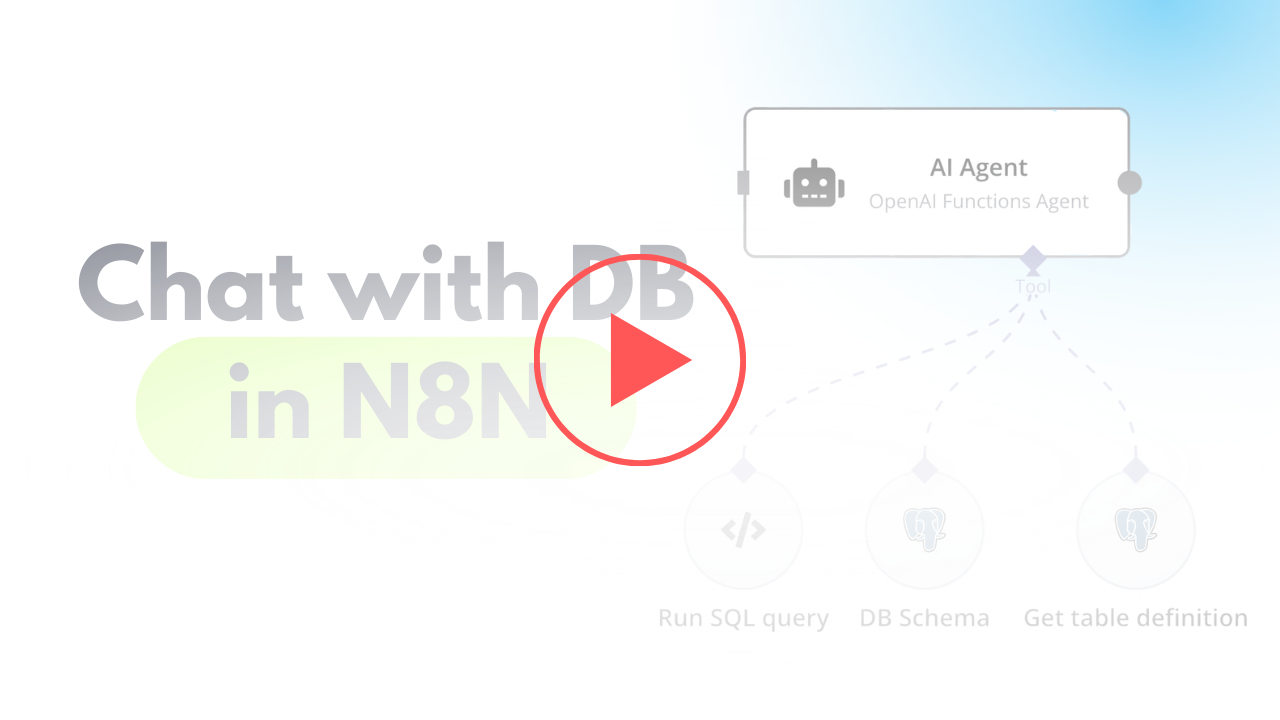](https://www.youtube.com/watch?v=-GgKzhCNxjk)\n"}, "typeVersion": 1}, {"id": "4ea87754-dead-49ea-848c-ed86c98e217b", "name": "When chat message received", "type": "@n8n/n8n-nodes-langchain.chatTrigger", "position": [720, 400], "webhookId": "6e95bc27-99a6-417c-8bf7-2831d7f7a4be", "parameters": {"options": {}}, "typeVersion": 1.1}, {"id": "c20d6e57-eb41-4682-a7f5-5bb4323df476", "name": "OpenAI Chat Model", "type": "@n8n/n8n-nodes-langchain.lmChatOpenAi", "position": [760, 680], "parameters": {"options": {}}, "credentials": {"openAiApi": {"id": "", "name": "[Your openAiApi]"}}, "typeVersion": 1}, {"id": "8d3b1faf-643c-4070-996d-a59cb06e1827", "name": "DB Schema", "type": "n8n-nodes-base.postgresTool", "position": [1180, 660], "parameters": {"query": "SELECT table_schema, table_name\nFROM information_schema.tables\nWHERE table_type = 'BASE TABLE' AND table_schema = 'public';", "options": {}, "operation": "executeQuery", "descriptionType": "manual", "toolDescription": "Get list of all tables in database"}, "credentials": {"postgres": {"id": "", "name": "[Your postgres]"}}, "typeVersion": 2.5}, {"id": "d9346ade-79d1-44c2-8fa6-b337ad8b0544", "name": "Get table definition", "type": "n8n-nodes-base.postgresTool", "position": [1340, 660], "parameters": {"query": "SELECT \n c.column_name,\n c.data_type,\n c.is_nullable,\n c.column_default,\n tc.constraint_type,\n ccu.table_name AS referenced_table,\n ccu.column_name AS referenced_column\nFROM \n information_schema.columns c\nLEFT JOIN \n information_schema.key_column_usage kcu \n ON c.table_name = kcu.table_name \n AND c.column_name = kcu.column_name\nLEFT JOIN \n information_schema.table_constraints tc \n ON kcu.constraint_name = tc.constraint_name\n AND tc.constraint_type = 'FOREIGN KEY'\nLEFT JOIN\n information_schema.constraint_column_usage ccu\n ON tc.constraint_name = ccu.constraint_name\nWHERE \n c.table_name = '{{ $fromAI(\"table_name\") }}' -- Your table name\n AND c.table_schema = 'public' -- Ensure it's in the right schema\nORDER BY \n c.ordinal_position;\n", "options": {}, "operation": "executeQuery", "descriptionType": "manual", "toolDescription": "Get table definition to find all columns and types."}, "credentials": {"postgres": {"id": "", "name": "[Your postgres]"}}, "typeVersion": 2.5}, {"id": "b88a21e0-d2ff-4431-bd84-dfd43edeb5c4", "name": "Sticky Note", "type": "n8n-nodes-base.stickyNote", "position": [960, 280], "parameters": {"width": 215, "height": 80, "content": "**Finetune the prompt of assistant**"}, "typeVersion": 1}, {"id": "fbe9eb68-5990-485c-820f-08234ea33194", "name": "AI Agent", "type": "@n8n/n8n-nodes-langchain.agent", "position": [940, 400], "parameters": {"text": "={{ $('When chat message received').item.json.chatInput }}", "agent": "openAiFunctionsAgent", "options": {"systemMessage": "You are DB assistant. You need to run queries in DB aligned with user requests.\n\nRun custom SQL query to aggregate data and response to user.\n\nFetch all data to analyse it for response if needed.\n"}, "promptType": "define"}, "typeVersion": 1.6}, {"id": "7f82d6d9-d7d6-4443-bbaa-c9b276a376e3", "name": "Run SQL Query", "type": "n8n-nodes-base.postgresTool", "position": [1040, 660], "parameters": {"query": "{{ $fromAI(\"query\",\"SQL query for PostgreSQL DB in Supabase\") }}", "options": {}, "operation": "executeQuery", "descriptionType": "manual", "toolDescription": "Run custom SQL queries using knowledge about Output structure to provide needed response for user request.\nUse ->> operator to extract JSON data."}, "credentials": {"postgres": {"id": "", "name": "[Your postgres]"}}, "typeVersion": 2.5}], "pinData": {}, "connections": {"DB Schema": {"ai_tool": [[{"node": "AI Agent", "type": "ai_tool", "index": 0}]]}, "Run SQL Query": {"ai_tool": [[{"node": "AI Agent", "type": "ai_tool", "index": 0}]]}, "OpenAI Chat Model": {"ai_languageModel": [[{"node": "AI Agent", "type": "ai_languageModel", "index": 0}]]}, "Get table definition": {"ai_tool": [[{"node": "AI Agent", "type": "ai_tool", "index": 0}]]}, "When chat message received": {"main": [[{"node": "AI Agent", "type": "main", "index": 0}]]}}}How to Import This Workflow
- 1Copy the workflow JSON above using the Copy Workflow JSON button.
- 2Open your n8n instance and go to Workflows.
- 3Click Import from JSON and paste the copied workflow.
Don't have an n8n instance? Start your free trial at n8nautomation.cloud
Related Templates
Text to Speech (OpenAI)
Converts text into natural-sounding speech using OpenAI's Text-to-Speech API. It sends your input text to OpenAI and receives an audio file in return. This is useful for creating audio versions of articles, generating voiceovers for videos, or providing accessibility features for web content. Quickly transform written content into engaging audio.
Automate Customer Support Issue Resolution using AI Text Classifier
Automate the resolution of customer support issues by classifying their state and applying AI-driven actions. This workflow connects Jira for issue management, OpenAI for AI classification and response generation, and Slack for notifications. Support teams can use this to automatically close resolved tickets, remind customers about open issues, or escalate complex cases.
AI-Powered Candidate Shortlisting Automation for ERPNext
Automate AI-powered candidate shortlisting for ERPNext job applications. This workflow connects ERPNext, Google Gemini, WhatsApp, and Outlook to process resumes, evaluate candidates, and communicate outcomes. Recruiters and HR departments can use this to efficiently screen applicants, automatically reject unqualified candidates, and send acceptance notifications. It significantly reduces manual review time and streamlines the hiring process.